Make this heading feel more premium
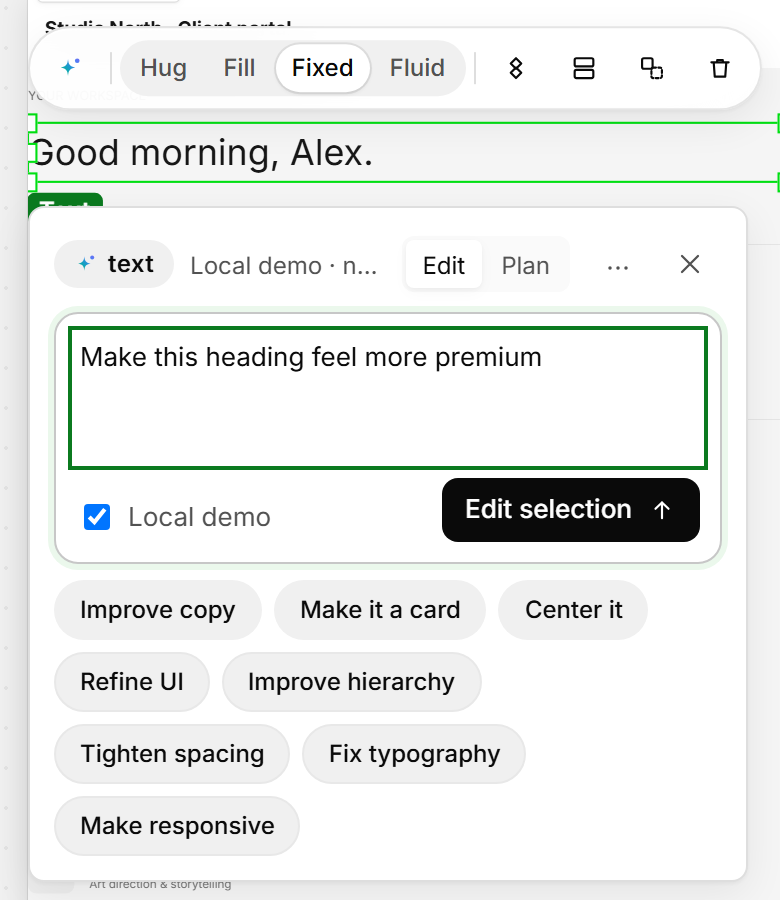
Prompt the big changes. The planned assistant edits only what you select.
Coming soon
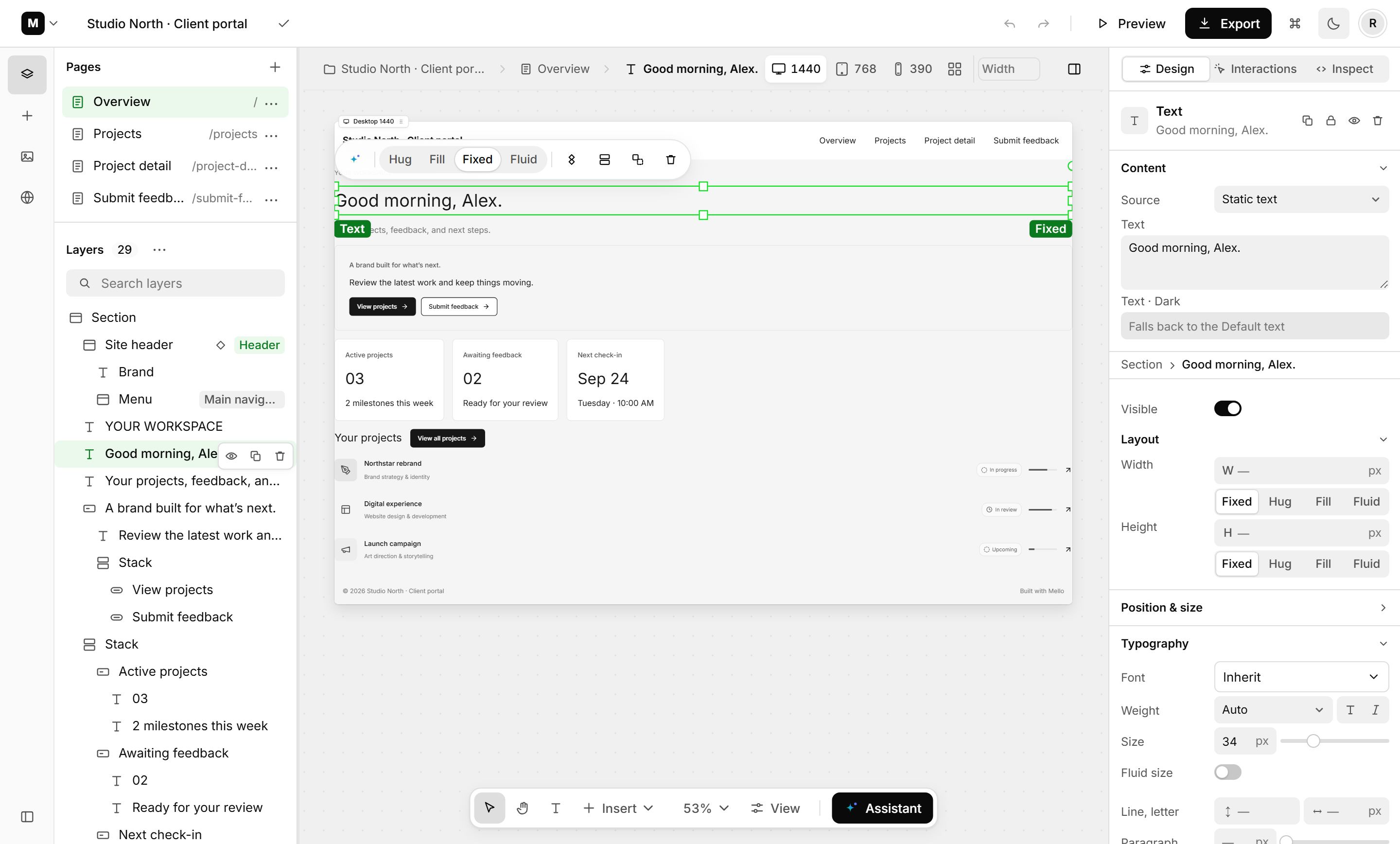
Mello is an upcoming visual editor for AI‑built apps. Click what looks off, fix it, and keep the change in your code.
Free to join. Only emails about Mello access.
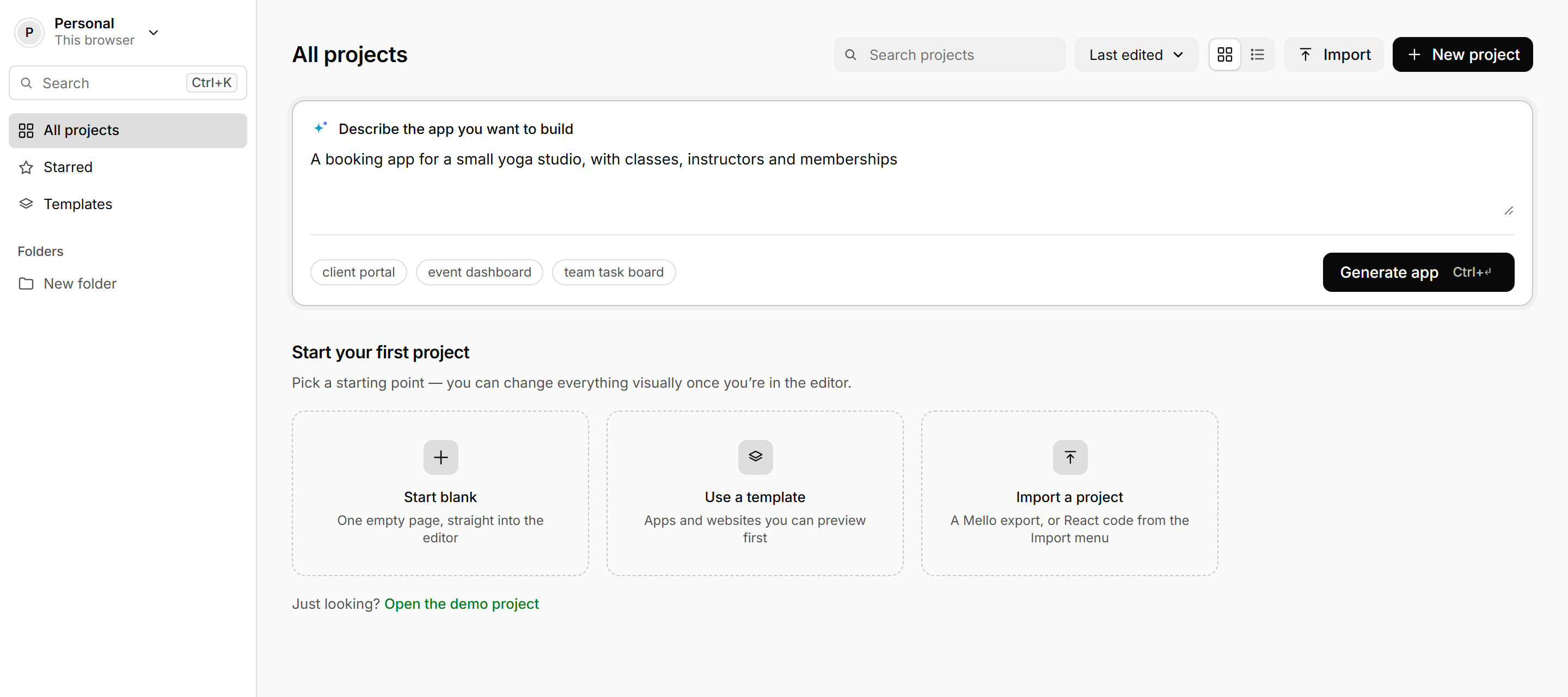
Built for people building with
AI got your app working. But the spacing drifts, the headings don’t match and it breaks on a phone. With Mello, you’ll fix that by hand instead of by prompt.
Use any AI tool, or start in Mello.
See your project as a page you can click.
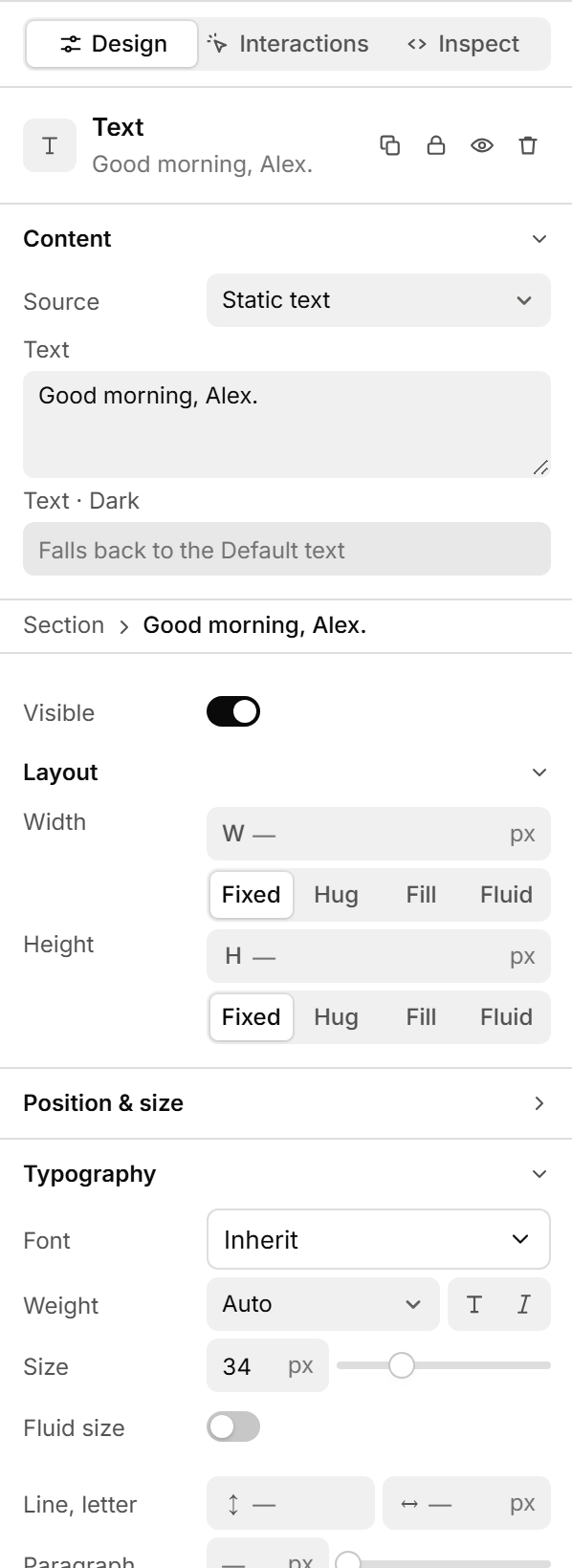
Adjust by hand, or ask AI for one change.
Export the code or publish with Mello.
Make this heading feel more premium
Prompt the big changes. The planned assistant edits only what you select.
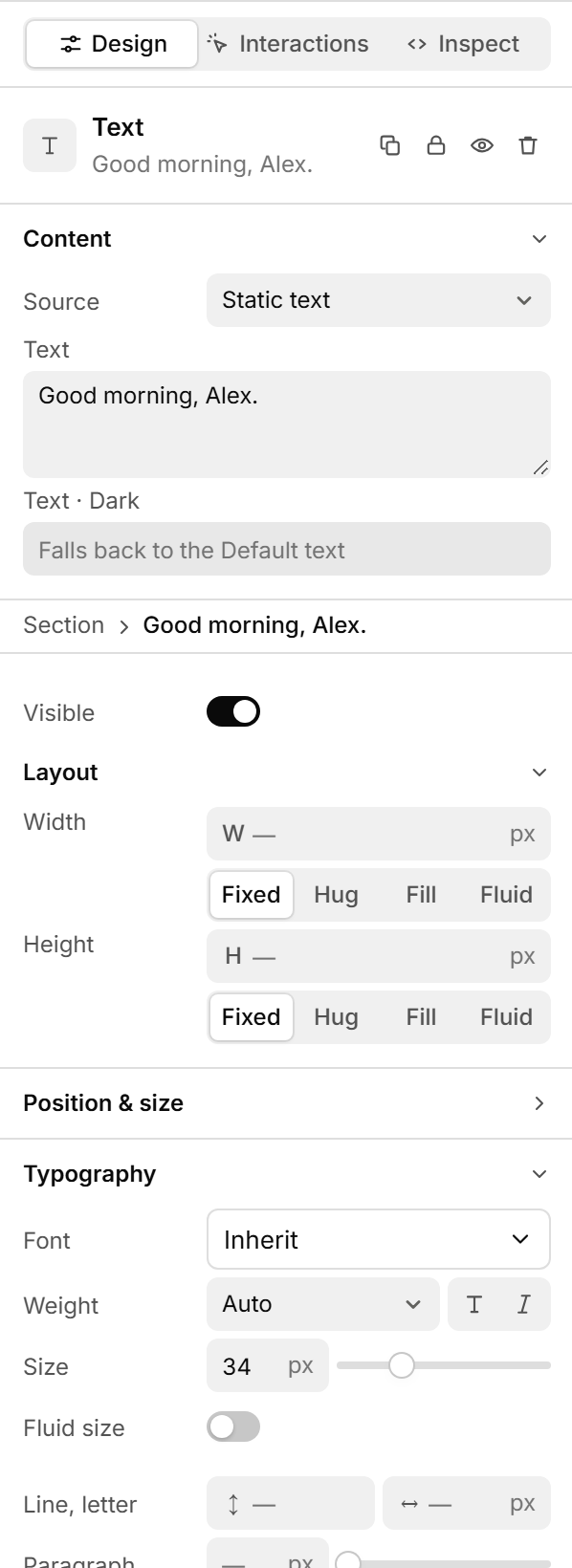
Fix the small ones by hand with familiar design controls.
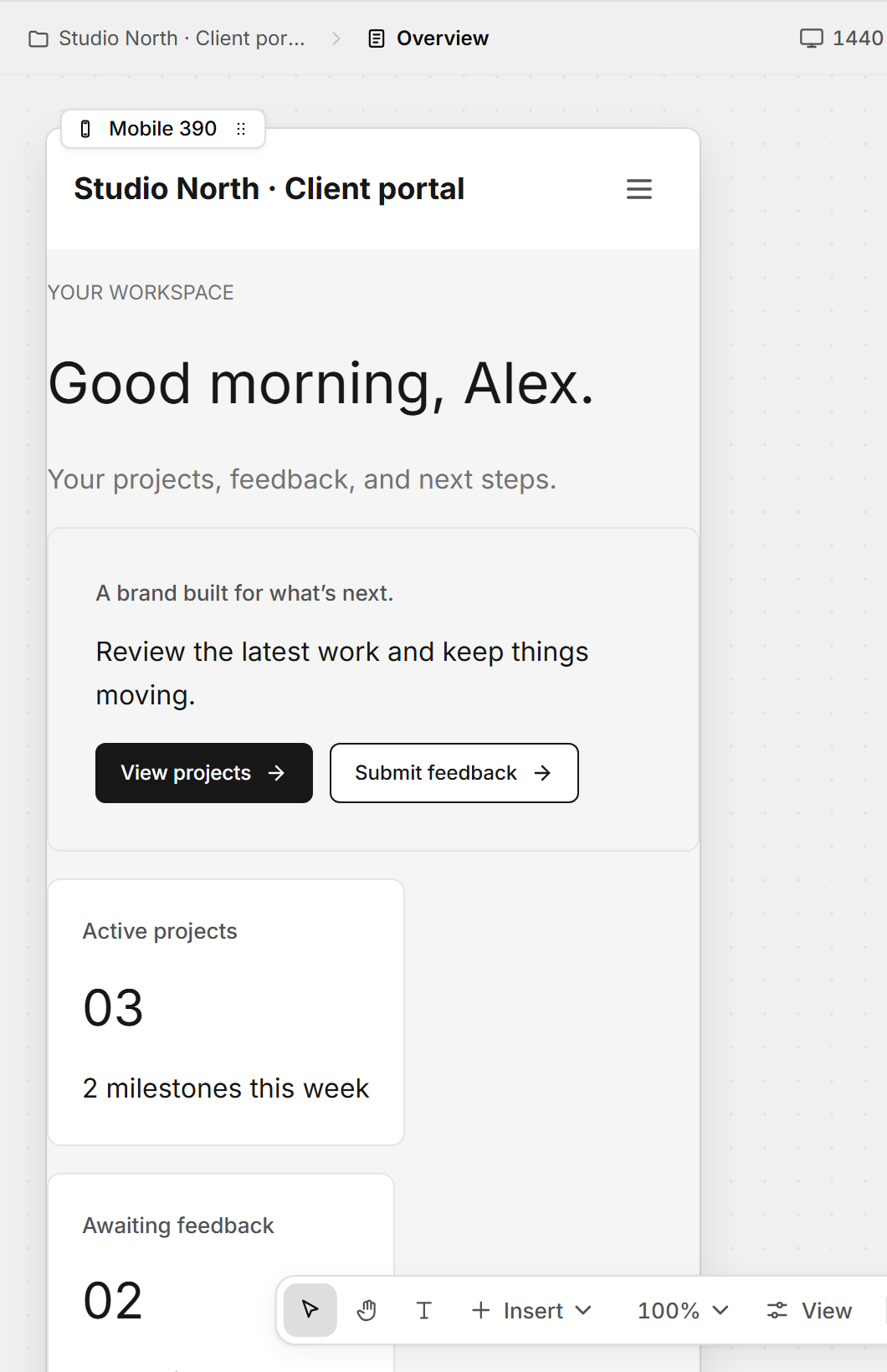
Fix each screen size right where it breaks.
Stay in your code. Each edit is meant to land as a readable diff.
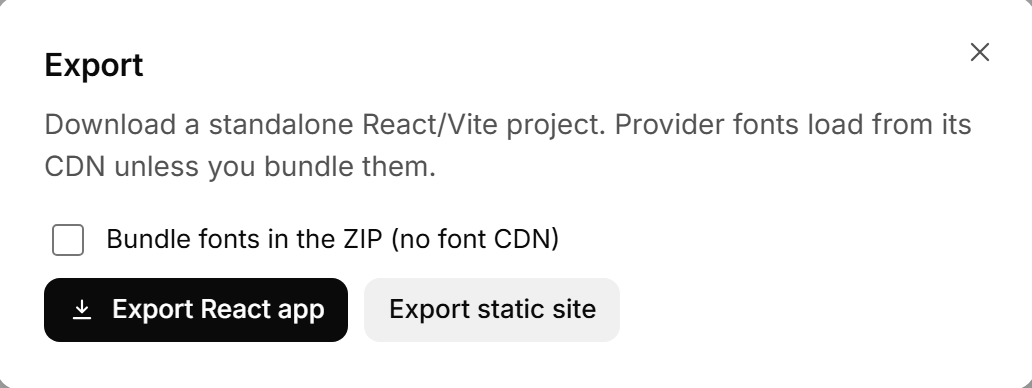
Take it with you. Standalone React export is planned.
Moving a button four pixels shouldn’t take a paragraph. Try it: change the layout and watch the code follow.
components/Features.tsx1export function Features() {2 return (3 <section className="p-[24px]">4 <h2 className="text-[26px]">5 Everything in one place6 </h2>7 <Grid cols={3}>8 <Card accent="#1F6FD1" />
Export it, host it on your own domain, or bring your own AI keys. All planned, with details before access opens.
An upcoming visual editor for AI-built apps. Select part of your interface, adjust it by hand or with a focused prompt, and keep the change in your code.
Not yet. Mello is in development, and the screenshots and demo are previews. Join the waitlist to hear when early access opens.
Not announced yet. The previews show a React project; supported frameworks will be confirmed before access opens.
The plan is to build in any AI tool and refine the result in Mello. No specific integrations have been announced.
It stays yours. Export, hosting and bring-your-own-key options are planned, with details before access opens.
Neither has been announced. Joining the waitlist is free and commits you to nothing.
Still curious? Email hello@mello.build
Early access
We’ll email you the moment access opens.
Free to join. Only emails about Mello access.